mParivahan RC Check: Verify Any Vehicle in Seconds
You’re about to hand over ₹80,000 for a used Splendor, and the seller swears the bike is “totally clean.” Or you’re at a traffic signal when a constable asks for papers you left at home. Both situations end the same way — with a quick mParivahan RC check on your phone.
In this article you will learn every legitimate way to pull up a vehicle’s registration details, straight from the government’s own VAHAN 4.0 database. No middlemen, no ₹99 “premium” apps.
What Is an mParivahan RC Check?
An mParivahan RC check is a free lookup that shows you a vehicle’s official registration data — owner initials, RTO, fitness, insurance, and hypothecation — using only the number plate. The data comes from the Ministry of Road Transport and Highways (MoRTH) and carries full legal weight under Section 4 of the IT Act, 2000.
What Information You Actually Get
A single search reveals four groups of details:
- Owner and registration — owner’s masked name, registration date, and RTO jurisdiction.
- Vehicle specs — maker, model, fuel type, engine cubic capacity, seating capacity, and body type.
- Validity and compliance — fitness validity, PUC expiry, insurance end date, and road tax paid-until date.
- Financial status — financier name if the vehicle is under loan, and NOC details when issued.
A privacy update rolled out in late 2022 now masks the full owner name — you’ll see only the first letter and surname (e.g., “R***** Kumar”). Full address, Aadhaar, and mobile numbers are never displayed to outsiders.
How to Do an mParivahan RC Check — 4 Verified Methods
Method 1 — NextGen mParivahan App (Fastest)
- Install NextGen mParivahan from Google Play or App Store. Developer must read National Informatics Centre (NIC eGov) — anything else is a clone.
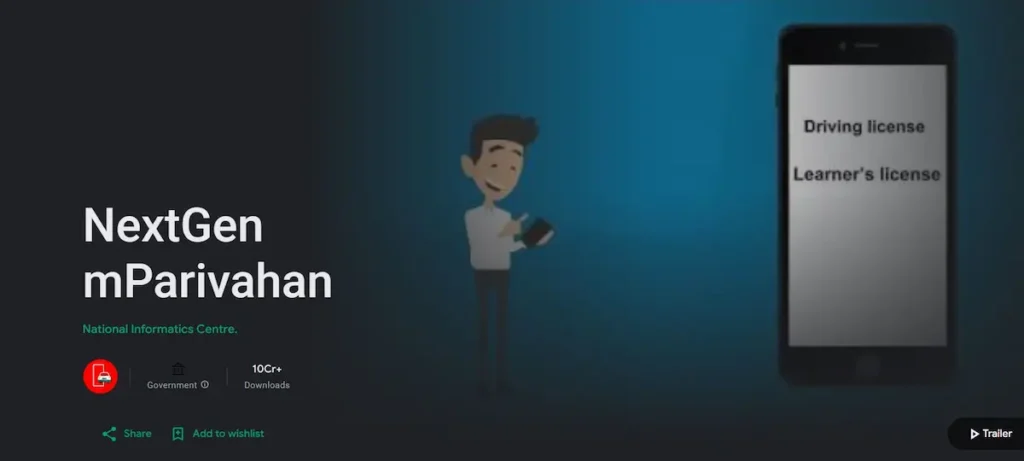
- Register with your mobile number, verify the OTP, and set a 6-digit MPIN.
- On the home screen, tap RC Search under Informational Services.
- Type the full number plate without spaces (e.g., DL01AB1234).
- Hit search — the summary card loads in under ten seconds.
If you want your own Virtual RC on the dashboard, use Add Vehicle and enter your chassis and engine numbers for OTP-based verification.
Method 2 — SMS Check (No Internet)
Useful when signal is weak or data has run out.
Type: VAHAN DL01AB1234 and send to 7738299899.
You’ll get a reply within a minute showing owner initials, make, fuel, fitness, and insurance validity. Standard carrier SMS charges apply; the service itself is free.
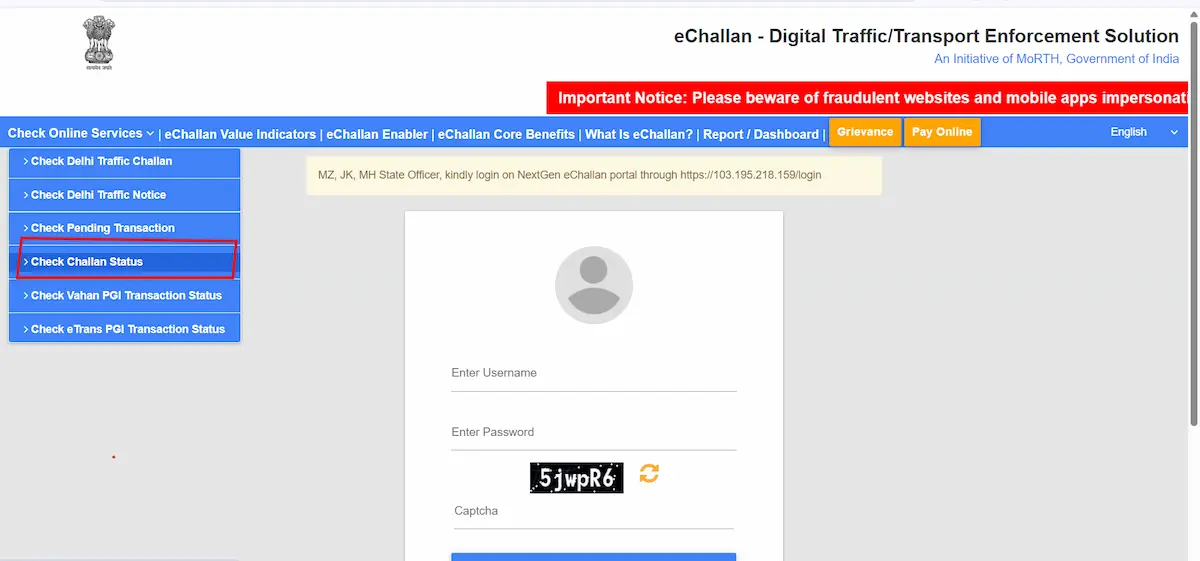
Method 3 — Parivahan Sewa Web Portal
Best for desktop work or when you need a cleaner view.
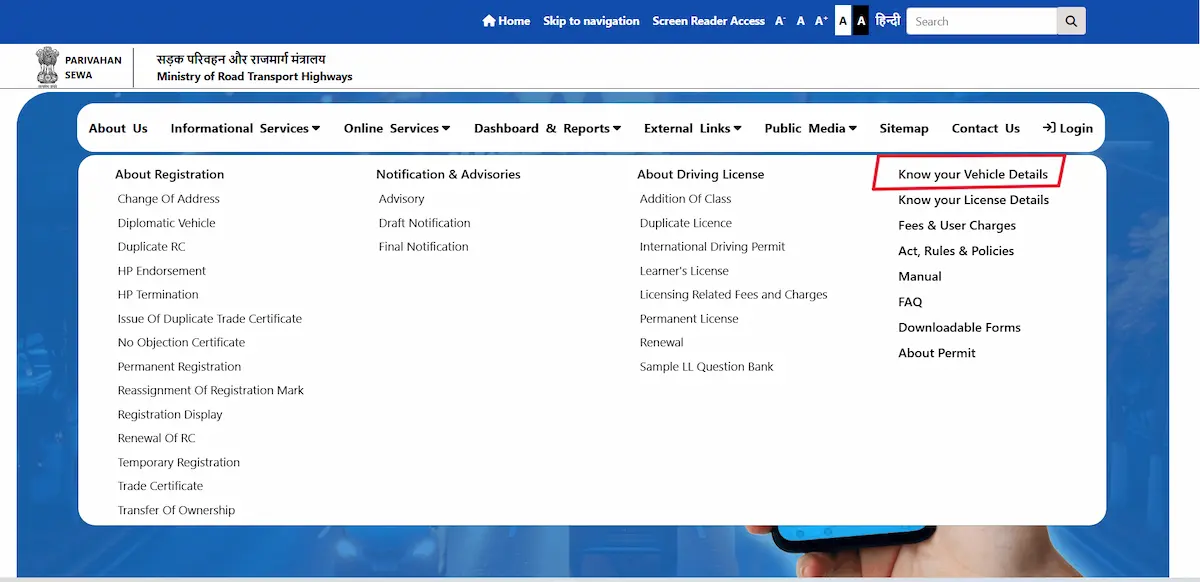
Visit parivahan.gov.in → Informational Services → Know Your Vehicle Details. Sign in with mobile OTP (mandatory since the 2023 privacy rollout), enter the vehicle number plus captcha, and the full RC card appears.
Method 4 — DigiLocker (Your Own Vehicle Only)
DigiLocker fetches a digitally signed PDF of your RC directly from VAHAN 4.0. It’s stored permanently in your account and accepted during every traffic check across India.
Pair it with mParivahan — DigiLocker for storage, mParivahan for speed.
Why Run a Check Before Buying a Used Vehicle
Five minutes on the app can save you months of regret:
- Confirms the seller’s name matches the RTO record.
- Flags any active hypothecation — never buy a vehicle still under loan unless the lender issues an NOC.
- Lets you physically match the chassis and engine numbers on the vehicle against the VAHAN record.
- Shows fitness expiry — critical for any vehicle approaching its 15-year mark, especially in NCR where the ban is strict.
- Reveals whether insurance has lapsed, so you don’t end up driving home uninsured.
mParivahan vs VAHAN vs DigiLocker — Pick the Right Tool
| Feature | mParivahan | VAHAN Portal | DigiLocker |
|---|---|---|---|
| Best for | Daily phone use | Detailed desktop look-up | Long-term document storage |
| Login needed | Mobile OTP | Mobile OTP | Aadhaar |
| Legal validity | Yes | View only | Yes |
| Offline access | Virtual RC cached | No | Yes |
| Ideal user | Commuter, buyer | RTO applicant | Anyone with own vehicle |
Common Errors and How to Fix Them
- “Vehicle Number Not Found” — remove spaces, switch to uppercase, and double-check the state code.
- “Details Not Updated” — after a transfer or renewal, the VAHAN database takes 2 to 7 working days to sync.
- OTP not arriving — turn off DND on your phone, and make sure the mobile number linked to your RTO record matches your current SIM.
- Aadhaar mismatch on e-KYC — update your name on the Sarathi portal first so it matches Aadhaar exactly; mParivahan will then accept it.
- App shows stale data — pull down to refresh. Cache auto-clears every 24 hours.
Is the mParivahan RC Check Free?
Yes, completely. Checking RC details and downloading your own Virtual RC cost nothing. Only paid workflows are duplicate RC applications, transfer of ownership, and re-registration — and those fees are charged by the RTO directly on Parivahan, not by the app.
One warning: several look-alike .com sites charge ₹99 to ₹499 for “instant RC verification.” They’re scraping public data and reselling it. Only .gov.in and .nic.in addresses are official.
Is the Virtual RC Legally Valid at Traffic Stops?
Yes. Per MoRTH’s advisory dated 8 August 2018, and reinforced by Section 4 of the IT Act, 2000, the RC shown inside the mParivahan app or DigiLocker has the same legal standing as the physical smart card — across every state and union territory.
What isn’t valid: a screenshot saved in your gallery, a WhatsApp photo, or a photocopy. The document must be opened inside the app to count.
Privacy — What the System Doesn’t Reveal
The platform is built to share enough for verification without exposing the owner. You’ll never see full name, address, Aadhaar, mobile number, or the finer engine and chassis digits unless you’re the registered owner logged in. Avoid posting RC screenshots on social media — fraudsters use them to clone plates.
Frequently Asked Questions
Can I check someone else’s vehicle?
Yes. Masked owner details and vehicle specs are public information for verification purposes.
Is login mandatory?
For the app and portal, yes. SMS works without login.
What’s the difference between RC status and RC details?
Status tracks a pending application (new RC, transfer, duplicate). Details show the registration already on file.